A web server is both a computer that stays powered on and connected to the internet, storing your website's files, and the software running on it that receives requests from browsers and sends back web pages. When someone visits your site, the web server hands their browser the HTML, images, and other files needed to display it.
Key takeaways
- The term "web server" means two things at once: the hardware (a computer) and the software (a program like Apache, Nginx, or LiteSpeed).
- It works on a client-server model: your browser (the client) asks for a page, and the server answers over HTTP or HTTPS.
- Static serving sends a ready-made file as-is; dynamic serving runs code and queries a database to build the page on the fly.
- Web servers listen on port 80 for HTTP and port 443 for HTTPS.
- A hosting company runs and maintains web servers for you, so you rarely have to manage one yourself.
What a web server actually is
Here is the part that trips up almost everyone: the phrase "web server" describes two different things, and both are correct. Which one someone means depends on the conversation.
The first meaning is hardware. A web server is a physical computer that is kept switched on and connected to the internet around the clock. Instead of sitting under a desk, it usually lives in a data center — a building full of racks, backup power, and cooling. Its job is to store your website's files (the pages, images, stylesheets, and scripts) and to be reachable at all hours so visitors never find your site "closed."
The second meaning is software. A web server is also a program installed on that computer whose only task is to listen for incoming requests and respond with the right files. Well-known examples are Apache, Nginx, and LiteSpeed. Without this software, the hardware is just a computer with files on it and no way to hand them out over the web.
So when a hosting company says "your files are on our web servers," they mean the hardware. When a developer says "restart the web server," they mean the software. Both statements are about the same overall system doing the same overall job: taking requests from browsers and returning web pages.
How a web server works, step by step
Every time you open a web page, a short conversation happens between two computers. The client is the program asking for something — almost always a web browser like Chrome, Safari, or Firefox. The server is the machine that answers. This back-and-forth is called the client-server model, and it uses a shared language named HTTP (HyperText Transfer Protocol), or its secure version HTTPS.
Here is the full journey for a single page view:
- A visitor types your address or clicks a link. Their browser (the client) prepares an HTTP request — a short message that says, in effect, "please send me this page."
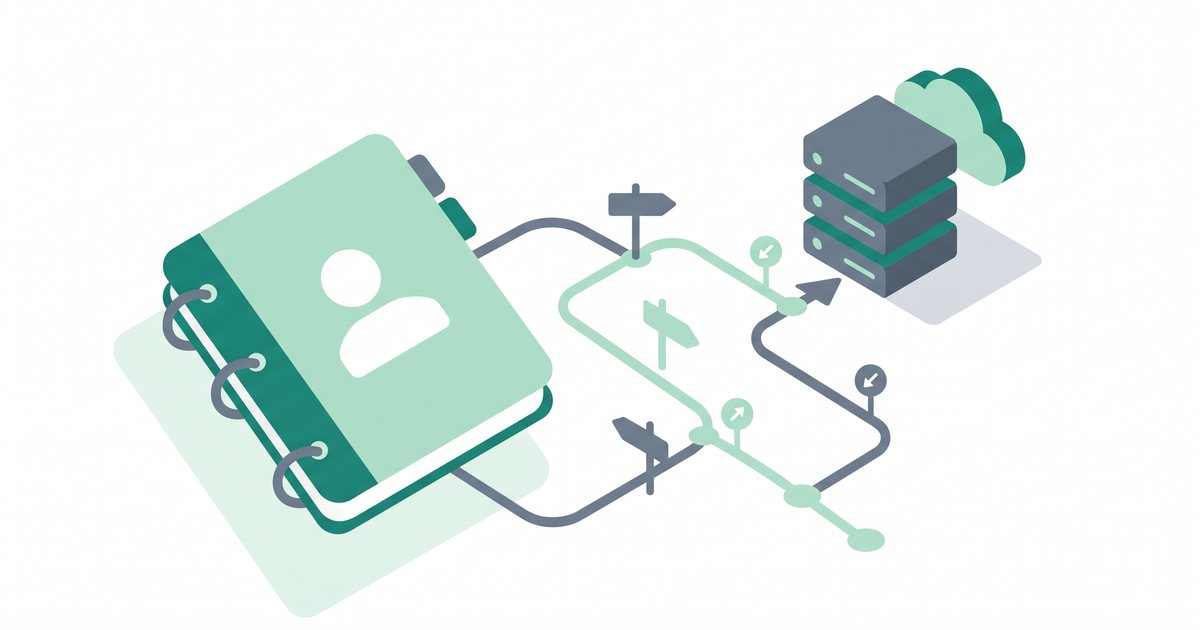
- The browser needs to know where to send that request. It uses DNS (the internet's address book) to translate your domain name, like
example.com, into the server's numeric IP address. You can read more in our guide to what DNS is.
- The request travels across the internet to that IP address, arriving at the web server. The server software is already listening on a specific port — port 80 for plain HTTP and port 443 for secure HTTPS.
- The web server software processes the request. It works out which file or page was asked for and whether the visitor is allowed to see it.
- The server sends back an HTTP response. This bundle contains the page's HTML along with any images, CSS (the styling), and JavaScript (the interactivity) the page needs.
- The browser receives everything and assembles the page on screen. From the visitor's point of view, this all happens in a fraction of a second.
The whole exchange is stateless and repeatable: each click starts a fresh request, and the server answers each one the same reliable way. Multiply this by thousands of visitors, and you can see why a web server has to stay on and responsive at all times.
Static vs dynamic: two ways to serve a page
Not every page is built the same way. Web servers handle two broad styles of content, and knowing the difference explains a lot about website speed.
Static serving is the simple case. The page already exists as a finished file sitting on the server. When a request comes in, the server sends that file as-is, with no changes. A plain HTML page, a logo image, or a downloadable PDF are all static. Because there is no extra work to do, static content is fast and predictable.
Dynamic serving is the smarter but heavier case. Here the page does not exist yet when the request arrives. Instead, the server runs code — often PHP — and queries a database to build the page on the fly. A WordPress blog works this way: when you open a post, the server pulls the title, text, and comments from a database and stitches them into HTML in real time. This lets one template serve thousands of unique pages, which is why dynamic sites are so flexible.
Tip: Dynamic pages are slower than static ones because the server does work on every request.
Caching — saving a ready-made copy of the finished page — closes most of that gap. If your dynamic site feels sluggish, see our guide on how to
reduce server response time.
Web server software compared
Several programs can play the role of web server software, and each has its own strengths. None is universally "correct" — the right one depends on the site, the workload, and what the hosting provider has set up. Here are three of the most common, at a glance.
| Software |
Known for |
One-line note |
| Apache |
Flexibility |
Long-established and highly configurable; uses per-folder .htaccess files, which makes it easy to adjust settings without server-wide access. |
| Nginx |
Efficiency at scale |
Designed to handle many simultaneous connections with low memory use, so it is popular for busy sites and as a front-end proxy. |
| LiteSpeed |
Built-in performance |
Focuses on speed and ships with its own caching layer; often compatible with Apache-style configuration to ease switching. |
On shared and managed hosting, the provider chooses and tunes this software for you, so most site owners never pick one directly. The good news is that a well-configured server of any of these types can serve a typical website quickly and reliably.
Web server vs application server vs database server
"Server" is a broad word, and a single machine can run several kinds of server software at once. Three roles come up most often, and telling them apart makes the whole picture clearer.
A web server handles HTTP requests from browsers and returns web pages, images, and files. It is the front door that visitors actually reach.
An application server runs your site's program logic — the code that decides what a page should contain, processes form submissions, and enforces rules. On many setups the web server passes dynamic requests to the application layer and then returns the result.
A database server stores and retrieves the data itself — posts, users, orders, and settings — and answers queries from the application. It does not talk to browsers directly.
On a small website these three roles often live on the same physical machine. As a site grows, they are frequently split across separate servers so each can be scaled and tuned on its own.
How this relates to web hosting
If a web server is a computer that has to stay on, connected, secured, and updated at all hours, someone has to own and run it. That is exactly what web hosting is: a company operates and maintains web servers in a data center and rents you space on them, so you get all the benefits without buying hardware or managing a machine yourself.
How much of the server you manage depends on the hosting type. On shared hosting, the provider handles the server software, security patches, and uptime, and many sites share one machine. Step up to a VPS (virtual private server) or a dedicated server, and you get far more control — along with more responsibility. On those plans you may install, configure, and update the web server software yourself. Our overview of the types of web hosting walks through where each option fits.
The short version: a web server is the machine and software doing the work, and hosting is the service that keeps that machine running for you.
Common mistakes and misconceptions
Watch out: Do not confuse the web server with the website itself. The website is the collection of files and content. The web server is the hardware-and-software system that stores those files and delivers them. Deleting or breaking one does not automatically fix or replace the other.
A few other misunderstandings come up again and again:
- "I need to run my own web server to have a website." You almost never do. A hosting company runs the server for you, and for most sites that is the simpler, safer choice.
- "All servers are basically identical." They are not. Hardware quality, location, software configuration, and how many sites share a machine all affect speed and reliability.
- "A web server and web hosting are the same thing." Closely related, but not identical. The server is the machine and software; hosting is the service of running that machine for you.
Frequently asked questions
What is a web server in simple terms?
A web server is a computer that stays on and connected to the internet, storing your website's files, together with the software on it that sends those files to visitors' browsers when they request a page. In short, it is the machine and program that hand out web pages.
Is a web server hardware or software?
It is both, and the meaning depends on context. The hardware is the physical computer in a data center that stores your files. The software is the program — such as Apache, Nginx, or LiteSpeed — that listens for requests and sends back pages. Together they make up the web server.
What is the difference between Apache and Nginx?
Both are web server programs that serve web pages, but they are built differently. Apache is prized for flexibility and its per-folder .htaccess configuration. Nginx is built to handle many simultaneous connections efficiently with low memory use, which suits high-traffic sites. Neither is universally better; the right choice depends on the workload.
Do I need to run my own web server?
For most websites, no. A web hosting company runs and maintains the web server for you, including security updates and uptime. You would only manage your own web server on a VPS or dedicated server, where you trade extra responsibility for more control.
What is the difference between a web server and web hosting?
A web server is the hardware and software that store and deliver your site. Web hosting is the service in which a company operates those servers and rents you space on them. Put simply, the server does the work, and hosting is the service that keeps the server running.
What ports does a web server use?
Web servers listen on port 80 for standard HTTP traffic and port 443 for secure HTTPS traffic. When you visit a site, your browser connects to one of these ports depending on whether the connection is encrypted.
What is the difference between static and dynamic serving?
Static serving sends a finished file exactly as it is stored, which is fast. Dynamic serving runs code and queries a database to build the page on the fly for each request, which is more flexible but slower unless the result is cached.
Summary
A web server is the hardware-and-software pair at the heart of every website: a computer that stays online to store your files, plus software like Apache, Nginx, or LiteSpeed that answers browser requests over HTTP and HTTPS. It follows the client-server model, serves both static and dynamic pages, and works alongside application and database servers to deliver a full site. For nearly everyone, a hosting company runs this machine so you do not have to. The natural next step is understanding the service that keeps it all running — read our guide to what web hosting is.
References
- MDN Web Docs — "What is a web server?" and "An overview of HTTP" (developer.mozilla.org).
- Internet Engineering Task Force (IETF) — RFC 9110, HTTP Semantics.
- Apache HTTP Server Project, Nginx, and LiteSpeed Technologies official documentation.