How to Set Up Your First Crypto Wallet

Key takeaways
- Setting up a crypto wallet takes only a few minutes. The important part is doing it safely, not quickly.
- First decide which type of wallet fits you: a custodial exchange account, a non-custodial app, or a hardware device.
- Always download wallet software from the official source, and write your seed phrase on paper offline the moment you are given it.
- Never store or share your seed phrase online. No legitimate company or support agent will ever ask you for it.
- Before sending real money, receive a small test amount first to make sure everything works.
A crypto wallet is the tool you use to hold, receive, and send cryptocurrency. Setting one up is a bit like opening a new account, except that with many wallets you are fully in charge of the keys. That freedom is powerful, but it means a few setup steps really matter.
This guide walks you through the whole process in plain English, from choosing a wallet to backing up your recovery words and sending your first test amount. If you have never used a wallet before, start with our explainer on what a crypto wallet is, then come back here to set one up.
Who this guide is for:
- Complete beginners setting up their very first wallet.
- Anyone who bought crypto on an exchange and wants to hold it more safely.
- People who want a careful, safety-first walkthrough they can follow along with.
Before you start: what you need
You do not need much to get started. Gather these three things before you begin, and the setup itself will go smoothly.
- A device. A smartphone, tablet, or computer. Most beginners start with a phone app. Make sure the device is updated and free of anything suspicious.
- A wallet choice. Decide which type of wallet you want before you download anything. We cover how to choose in the next section.
- A safe place for your seed phrase. A pen and a piece of paper are enough. Your seed phrase is the master backup for your wallet, so you need somewhere private and offline to write it down.
Tip: set aside 10 quiet minutes with no distractions. The one step you must not rush is writing down your seed phrase.
Choose the right type of wallet for you
There is no single "best" wallet. The right one depends on how much crypto you hold and what you plan to do with it. Most options fall into three groups.

| Wallet type | Who holds the keys | Best for |
|---|---|---|
| Custodial exchange account | The exchange holds them for you | Absolute beginners, small amounts, easy recovery |
| Non-custodial app | You hold them on your phone or computer | Everyday use with full control of your funds |
| Hardware wallet | You hold them on an offline device | Storing larger amounts for the long term |
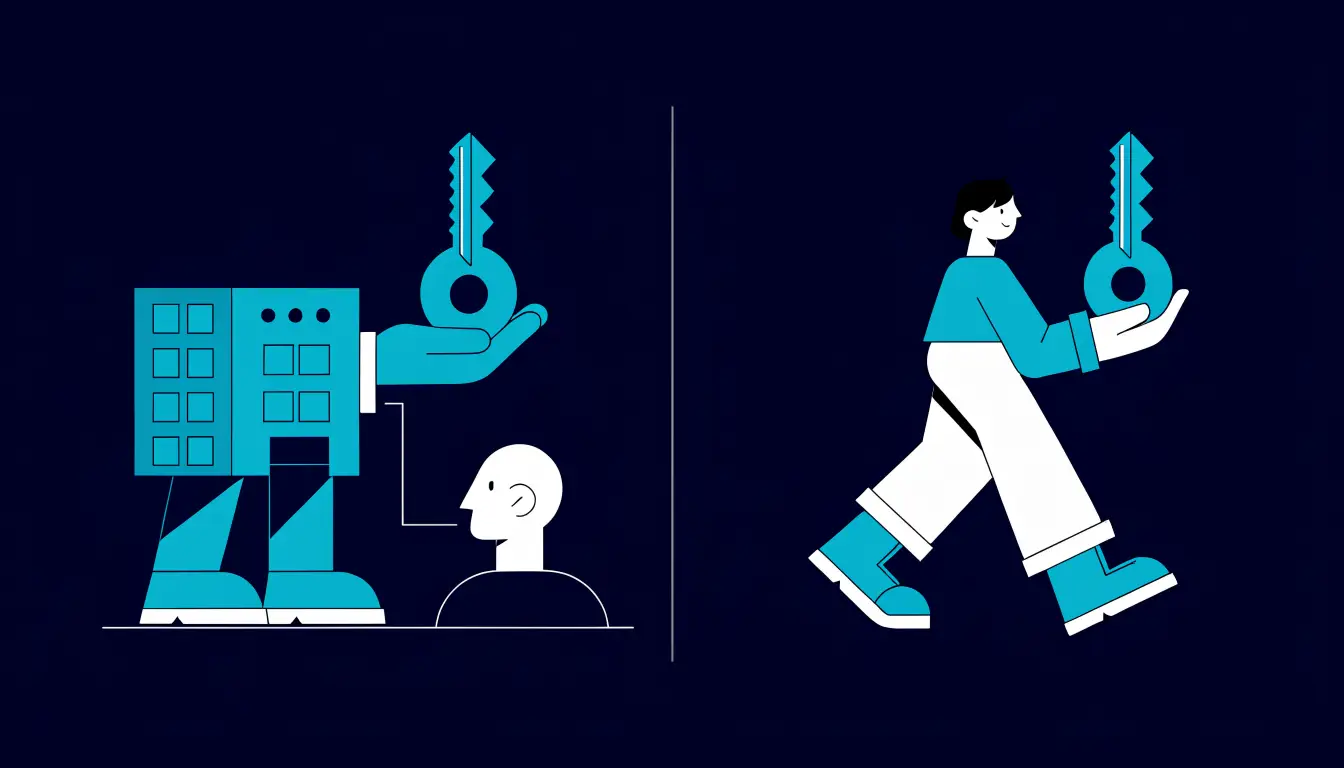
A custodial exchange account is the wallet built into an account on a major exchange such as Bitget, Binance, Coinbase, or Kraken. It is the simplest place to begin, because the exchange manages the keys and can help you recover access. The trade-off is that you are trusting the company to keep your funds safe.
A non-custodial app is a wallet you install yourself, such as MetaMask, Trust Wallet, Phantom, or Exodus. Here you hold the keys, which gives you full control but also full responsibility for your backup.
A hardware wallet from a maker like Ledger or Trezor keeps your keys on a small offline device, which is the safest option for larger holdings. To understand these choices more deeply, read our guides on hot vs cold wallets and custodial vs non-custodial wallets. A common approach is to start with an exchange account or a free app, then add a hardware wallet as your holdings grow.
How to set up your wallet, step by step
The exact screens vary between wallets, but almost every one follows the same six steps. Take them in order and do not skip the backup step.

- Download from the official source. Get the app from the wallet maker's official website or your device's official app store, and check the developer name matches. Scammers publish fake wallet apps, so never install from a link in an email, ad, or message.
- Create a new wallet. Open the app and choose "Create a new wallet" (not "Import," which is for restoring an existing one). For a custodial exchange account, you instead sign up and complete any identity checks the exchange requires.
- Write down your seed phrase offline. A non-custodial wallet will show you a list of 12 or 24 words. Write them on paper, in order, exactly as shown. This is your only backup, so keep it offline and private. Do not screenshot it or type it into any app.
- Confirm your seed phrase. The wallet will ask you to re-enter a few of the words to prove you saved them. This also checks that you wrote them down correctly, so take your time.
- Set a PIN or password. Add a PIN, password, or biometric lock. This protects the app on your device. Remember, this lock is not the same as your seed phrase, which remains your master backup.
- Receive a small test amount. Send yourself a tiny amount of crypto first, or ask a friend to. Confirming that it arrives proves your wallet works before you move anything larger.
Tip: if you are moving funds off an exchange, our guide on how to move crypto from an exchange to a wallet walks through that transfer in detail.
Secure your new wallet
Setting up the wallet is only half the job. A few simple habits keep it safe over time.
- Turn on 2FA where available. On exchange accounts and any service that supports it, enable two-factor authentication using an authenticator app rather than SMS. See our guide on how to set up 2FA.
- Keep your seed backup offline. Store the paper backup somewhere private and safe from fire and water. Some people keep a second copy in a separate location or use a metal backup plate for extra durability.
- Beware of phishing. Fake websites, apps, and support "agents" are the number one way people lose crypto. Always double-check web addresses, and never approve a transaction or connect your wallet to a site you do not fully trust.
Warning: never store your seed phrase online, in a photo, a note, an email, or a cloud drive, and never type it into a website. Never share it with anyone. No legitimate wallet, exchange, or support agent will ever ask you for your seed phrase. Anyone who does is trying to steal your funds.
How to receive and send crypto
Once your wallet is set up, moving crypto in and out is straightforward. The key is to slow down and check the details.
To receive crypto, open your wallet and tap "Receive." It shows a wallet address, a long string of letters and numbers, usually with a QR code. Your address is safe to share, so you can give it to whoever is sending you funds. Sharing your address does not put your crypto at risk. Only your seed phrase can move your money.
To send crypto, tap "Send," paste the recipient's address, and choose the amount. Before you confirm, check two things carefully: the address is correct, and the network matches the one the recipient expects. Crypto transactions cannot be reversed, so a wrong address or network can mean losing the funds for good.
Tip: always send a small test amount first when using a new address. Once the test arrives safely, send the rest.
Tips and common mistakes
Helpful tips
- Start small. Practice with a tiny amount until you are comfortable receiving and sending.
- Write the seed phrase on paper, in order, and store it somewhere private and offline.
- Bookmark the official wallet site so you never reach it through a search ad or a random link.
- Keep your device updated and protected with a screen lock.
Common mistakes to avoid
- Saving the seed phrase online, in a photo, note, email, or cloud drive, where a hacker could find it.
- Sharing the seed phrase with a "support agent" or a giveaway, which is always a scam.
- Downloading a fake wallet app from an ad or an unofficial link.
- Sending the full amount first without a small test, or ignoring the network selection.
Frequently asked questions
Which wallet is best for beginners?
There is no single best wallet, but many beginners start with a custodial account on a major exchange or a well-known free app, because both are easy to set up and use. As your holdings grow, a hardware wallet adds stronger protection.
Is a free wallet safe?
Yes, most reputable wallets are free, and being free does not make them less safe. What matters is downloading from the official source, keeping your seed phrase offline, and avoiding scams. Your habits protect your funds more than the price of the app.
What if I lose my phone?
If you have your seed phrase written down, you can install the wallet on a new device and restore your funds by entering those words. If you lose both the phone and the seed phrase for a non-custodial wallet, no one can recover the crypto for you.
Do I need to pay for a wallet?
Software wallets and exchange accounts are usually free. You only pay for a hardware wallet, which is a physical device. You will also pay small network fees when you send crypto, but those go to the network, not the wallet maker.
Can I have more than one wallet?
Yes, and many people do. A common setup is a hot wallet or exchange account for everyday amounts and a hardware wallet for long-term savings. Each wallet has its own seed phrase, so back up every one you control.
Summary
Setting up your first crypto wallet is quick, but doing it safely is what counts. Choose the type that fits you, download only from the official source, write your seed phrase on paper offline, lock the app, and send a small test amount before moving anything larger. Guard your seed phrase, and never share it with anyone.
Next step: ready to fund it? Learn how to move crypto from an exchange to your wallet safely.