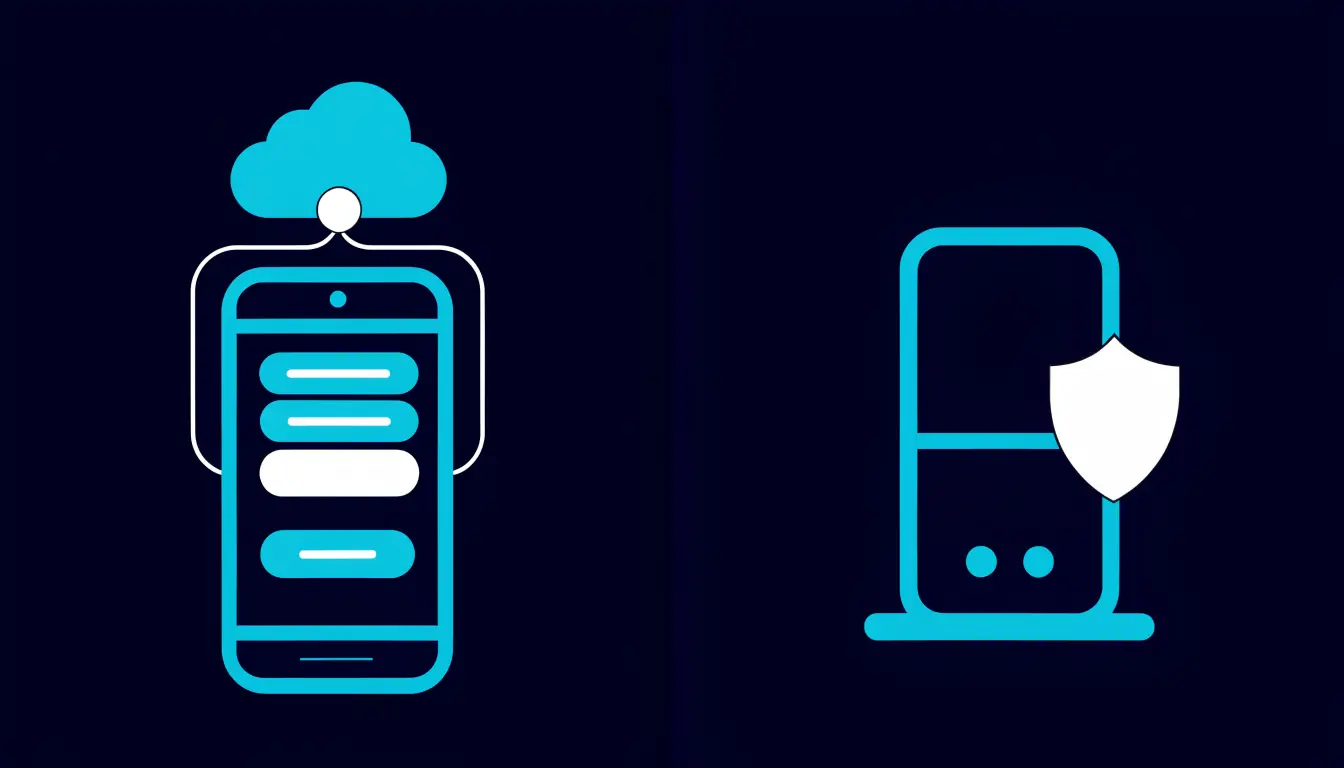
Choosing the Right Network for Transfers (Avoid Lost Funds)

Key takeaways
- A network is the blockchain your coin travels on. The same coin can exist on several different networks.
- The network must match on both sides — the one you send on has to be the same one the receiving wallet or exchange supports.
- Sending on the wrong network, or to an address that does not support it, can mean your funds are lost for good.
- Fees and speed differ by network. Some are cheaper, some are faster — pick one both sides accept, not just the cheapest.
- Always send a small test transaction first, confirm it arrives, and only then send the rest.
When you move crypto from one place to another, you do not just choose a coin and an amount — you also choose a network. Get the network right and the transfer arrives normally. Get it wrong and your funds can vanish with no way to get them back. This is one of the few beginner mistakes that is truly permanent, so it is worth a few minutes to understand.
This guide explains what a network is, why the choice matters so much, how to pick the correct one, and the simple habits that stop you from losing money. It is written in plain English, with safety first.
Who this guide is for:
- Anyone about to send crypto for the first time and worried about doing it wrong.
- People who see a "select network" menu and are not sure what to choose.
- Beginners who want a safe, repeatable routine for every transfer.
If you are still learning the basics of moving funds, start with our walkthrough on how to move crypto from an exchange to a wallet, then come back here to get the network right.
What is a "network" in a crypto transfer?
A network is the blockchain that carries your coin from one wallet to another. Think of the coin as a parcel and the network as the delivery road it travels on. When you send crypto, the transaction is recorded on that specific blockchain — and only that one.
Here is the part that surprises most beginners: the same coin can exist on more than one network. A popular stablecoin, for example, might be available on several different blockchains at once. Each version lives on its own network, even though the coin's name and value look identical to you.
That is also where the line between a coin and a token matters. A coin native to its own blockchain and a token issued on top of another chain can behave differently when you move them. If that distinction is fuzzy, our guide to coins vs tokens clears it up in plain terms.
Simple analogy: imagine mailing a letter. The letter is your coin. The postal service you choose is the network. If the person receiving it only has a mailbox for one postal service, you must use that same service — or the letter never arrives.
Why choosing the network matters
The network matters because a wrong choice can permanently lose your funds. Blockchain transfers are one-way. Once a transaction is confirmed, there is no bank, no support desk, and no "undo" button that can reverse it. If the coins land somewhere no one can reach, they are simply gone.
The most common way this happens is a mismatch. You send on one network, but the wallet or exchange on the other side only supports a different one. The transfer either fails to arrive or lands in a place the receiver cannot access. An address that looks valid but belongs to an incompatible network can quietly swallow your funds.

The rule to remember is this: the network must be the same on both the sending side and the receiving side. It is not enough to pick a good network — it has to be the exact one the receiver expects. When those two do not line up, the money is at risk.
Warning: Sending crypto on the wrong network can result in a permanent loss of funds. Unlike a bank transfer, a blockchain transaction cannot be cancelled or reversed once it is sent. When in doubt, stop and double-check before you confirm.
How to pick the right network
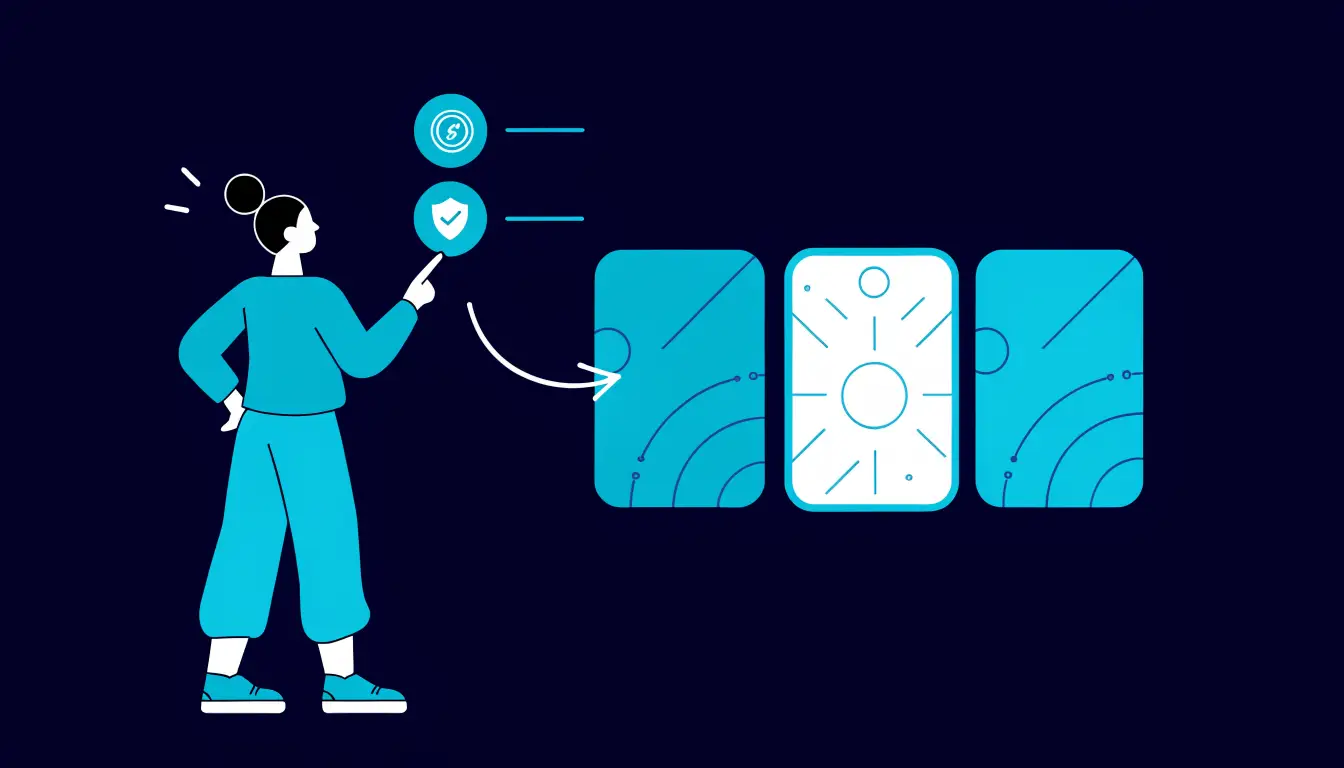
Picking the right network is simpler than it sounds. You let the receiving side decide, then match it exactly on the sending side. Work through these three checks in order.

- 1. Check what the receiving wallet or exchange supports. Open the "receive" or "deposit" screen on the side that will get the funds. It will show the coin and the network (or networks) it accepts for that coin. That is your target.
- 2. Match it on the sending side. When you set up the withdrawal or send, choose the same network from the menu. If the receiver expects one network, do not pick another because it is cheaper.
- 3. Confirm the address format. Different networks often use different address formats. If the receiving address style does not match the network you selected, that is a red flag — stop and re-check before sending.
If both sides list several shared networks, you can choose among those — for example, one that is cheaper or faster. But the choice only ever comes from the networks both sides support. Never assume; always read the receive screen.
Fees and speed vary by network
When the same coin is available on more than one shared network, the networks are not identical in cost or speed. Some tend to be cheaper to send on, while others tend to be faster to confirm. The trade-off changes over time and with how busy each network is, so there is no single "best" answer.
The fee you pay to move crypto is often called a network fee or "gas." If you want to understand what you are actually paying for, see our explainer on what gas fees are. For live costs, always check the current fee shown on your wallet or exchange at the moment you send — printed numbers go stale quickly.
Here is the key point: cost and speed only matter after compatibility. A cheaper network is worthless if the receiver cannot accept it. First find the networks both sides support, and only then let fee and speed break the tie.
How to avoid losing funds
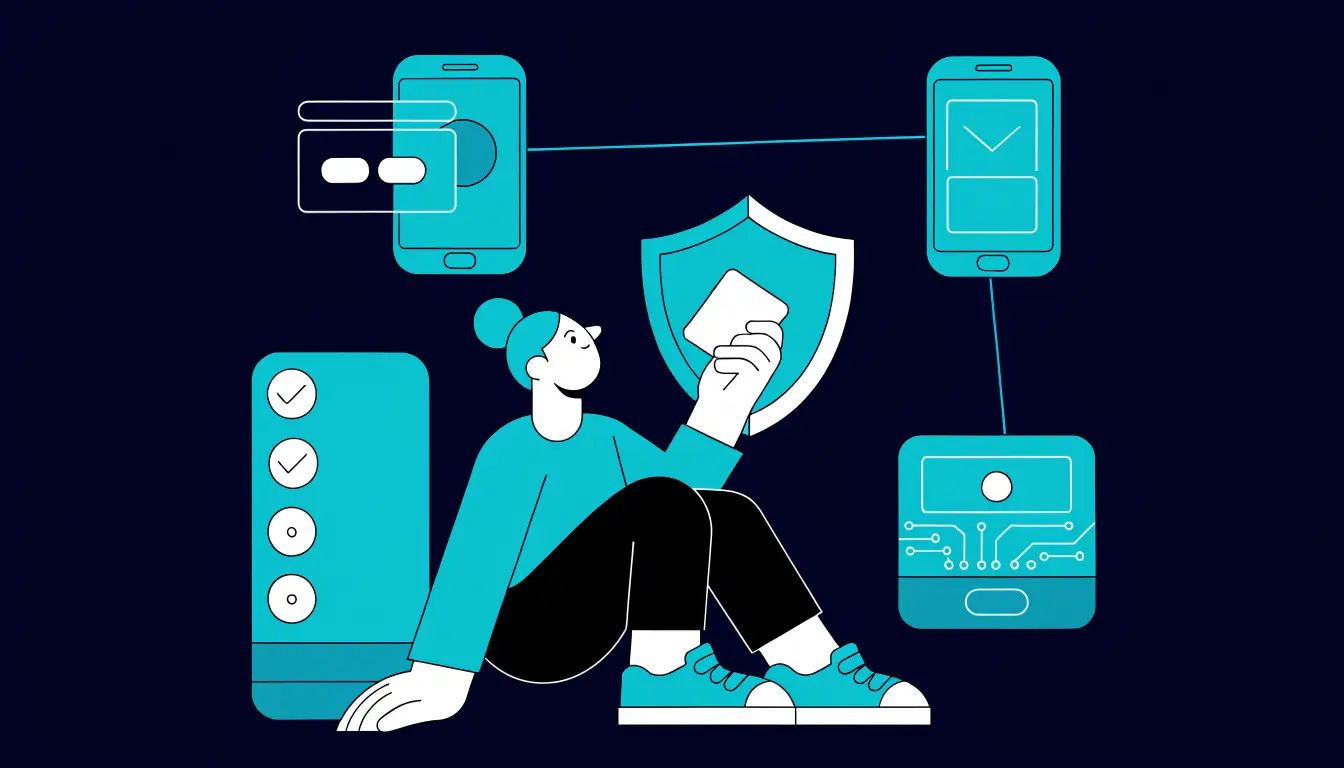
Most losses come from rushing. This short routine prevents nearly all of them. Follow it every time, even for transfers you have done before.
- Copy the exact address — never type it by hand. Paste it, then check the first and last few characters match.
- Match the network on both sides. Confirm the network on the receive screen equals the network you selected to send.
- Send a small test transaction first. Move a tiny amount before the full sum. This one habit saves more funds than any other.
- Verify it arrived. Wait for the test to show up in the receiving wallet and confirm on the blockchain before continuing.
- Then send the rest. Only after the test lands safely should you move the remaining amount.
To confirm a transaction actually went through and reached the right place, you can look it up yourself on a public ledger. Our guide on how to use a block explorer shows you how to check the status of any transfer in a minute.
Warning: A "test transaction" only protects you if you actually wait for it to arrive before sending more. Sending the test and the full amount back-to-back defeats the purpose.
Tips and common mistakes
Helpful tips
- Let the receiver lead. Always start from the deposit screen on the side that will get the funds, and match that network exactly.
- Test small, then scale. A small first transfer costs a little in fees but can save everything.
- Read the on-screen warnings. Wallets and exchanges often warn you to check the network — do not click past them.
- Watch for scam pressure. Anyone rushing you to "send now" on a specific network may be steering you into a mistake — see common crypto scams.
Common mistakes to avoid
- Picking a network by fee alone, ignoring whether the receiver actually supports it.
- Assuming a coin uses only one network when the same coin exists on several.
- Skipping the test transaction because the amount "isn't that big."
- Trusting an address without checking the network — a valid-looking address can still be on the wrong chain.
Frequently asked questions
What happens if I send crypto on the wrong network?
The funds may be lost for good. If the receiving side does not support that network, the transfer can land somewhere no one can access, and blockchain transactions cannot be reversed. This is why matching the network on both sides is so important.
How do I know which network to use?
Check the receiving wallet or exchange first. Its deposit or receive screen shows which network it accepts for that coin. You then choose that same network on the sending side.
Can I recover funds sent to the wrong network?
Usually not. In rare cases a custodial exchange may be able to help if both sides are on platforms it controls, but there is no guarantee, and self-custody transfers are typically unrecoverable. Treat every transfer as final.
Why does the same coin have different networks?
Many coins and tokens are issued on more than one blockchain so people can move them where fees are lower or speeds are higher. Each version lives on its own network, so you must pick the one the receiver supports.
Do I need to match the network on both sides?
Yes. The network you send on must be the same one the receiving wallet or exchange supports for that coin. If they do not match, the funds can be lost. Always confirm both before you send.
Summary
A network is the blockchain your coin travels on, and the same coin can live on several networks at once. The one rule that keeps your money safe is to match the network on both sides — send on the exact network the receiver supports. Because transfers cannot be reversed, always copy the address carefully, send a small test first, confirm it arrives, and only then send the rest.
Next step: ready to make a transfer safely? Follow our beginner walkthrough on how to move crypto from an exchange to a wallet.