Best Crypto Portfolio Trackers

Key takeaways
- A crypto portfolio tracker is a tool that gathers coins from different exchanges and wallets and shows their total value in one place.
- Trackers help you see your total balance, how it is split across coins, and your profit or loss without opening every account by hand.
- There is no single "best" tracker — the right one depends on the exchanges you use, whether you want manual or automatic updates, and how much privacy you want.
- Well-known options such as CoinMarketCap, CoinGecko, Delta, and CoinStats suit different people; compare them on features, not hype.
- Be careful when connecting accounts: use read-only API keys, and never share your private keys or seed phrase with any tracker.
If you own more than one coin, or keep crypto in more than one place, it gets hard to answer a simple question: how much is it all worth right now? A portfolio tracker solves that. It pulls your holdings together and shows the total on one screen, so you do not have to open five apps and add it up in your head.
This guide explains what a portfolio tracker does, what to look for when choosing one, and how a few popular trackers compare. It is written in plain English for beginners, and it stays neutral — we will not crown one tool as the winner, because the best choice depends on you. New to crypto in general? Start with our guide to what cryptocurrency is, then come back here.
Who this guide is for:
- Anyone holding coins across more than one exchange or wallet who wants a single view.
- Beginners who want to understand their total value and profit or loss at a glance.
- People who want to choose a tracker carefully, with privacy and security in mind.
What is a portfolio tracker?
A crypto portfolio tracker is a tool — usually an app or a website — that shows all of your crypto holdings and their combined value in one place. Instead of checking each exchange and wallet separately, you see one dashboard with your total balance and how it changes over time.
It works a bit like a banking app that shows several accounts on one screen. The tracker knows the current market price of each coin, multiplies it by how much you hold, and adds everything up. Some trackers connect to your accounts automatically; others let you type in your holdings by hand. Either way, the goal is the same: one clear picture instead of many scattered ones.
Simple analogy: a portfolio tracker is like a dashboard in a car. The engine (your coins) lives elsewhere, but the dashboard gives you one clean readout of what is going on.
What a tracker does
Most trackers do a handful of core jobs. You will not need all of them on day one, but it helps to know what is on offer.

- Total value: adds up everything you hold and shows one figure in your chosen currency, updated as prices move.
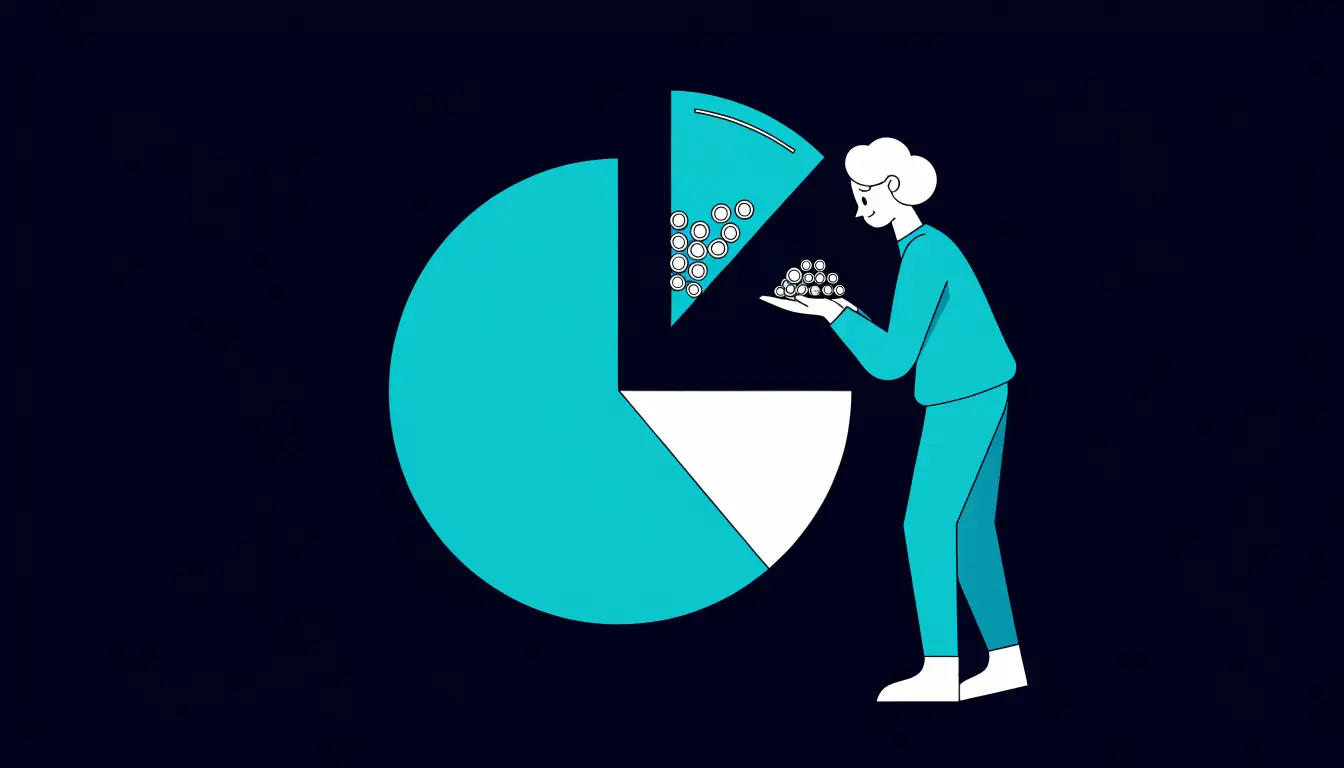
- Allocation: shows how your money is split across coins — for example, 60% in one coin and 40% spread across others — so you can see if you are concentrated in one place.
- Profit and loss: compares what you paid with the current value, so you can see if a holding is up or down. This is why good record keeping matters.
- Price alerts: notify you when a coin hits a price you set, so you do not have to watch charts all day. See how to set up crypto price alerts.
- Tax reports: some trackers can total your gains and losses and export a report to help at tax time. Features and accuracy vary, so always check the details.
Because prices move constantly, a tracker's numbers will swing during the day. That is normal — it reflects crypto's volatility, not a fault in the tool.
What to look for
Trackers differ in ways that matter. Use these criteria to judge any tool fairly, rather than picking the first one you see advertised.

| What to check | Why it matters |
|---|---|
| Supported exchanges and wallets | The tracker is only useful if it works with the places you actually keep crypto. Check your exchanges and wallet types are on the list. |
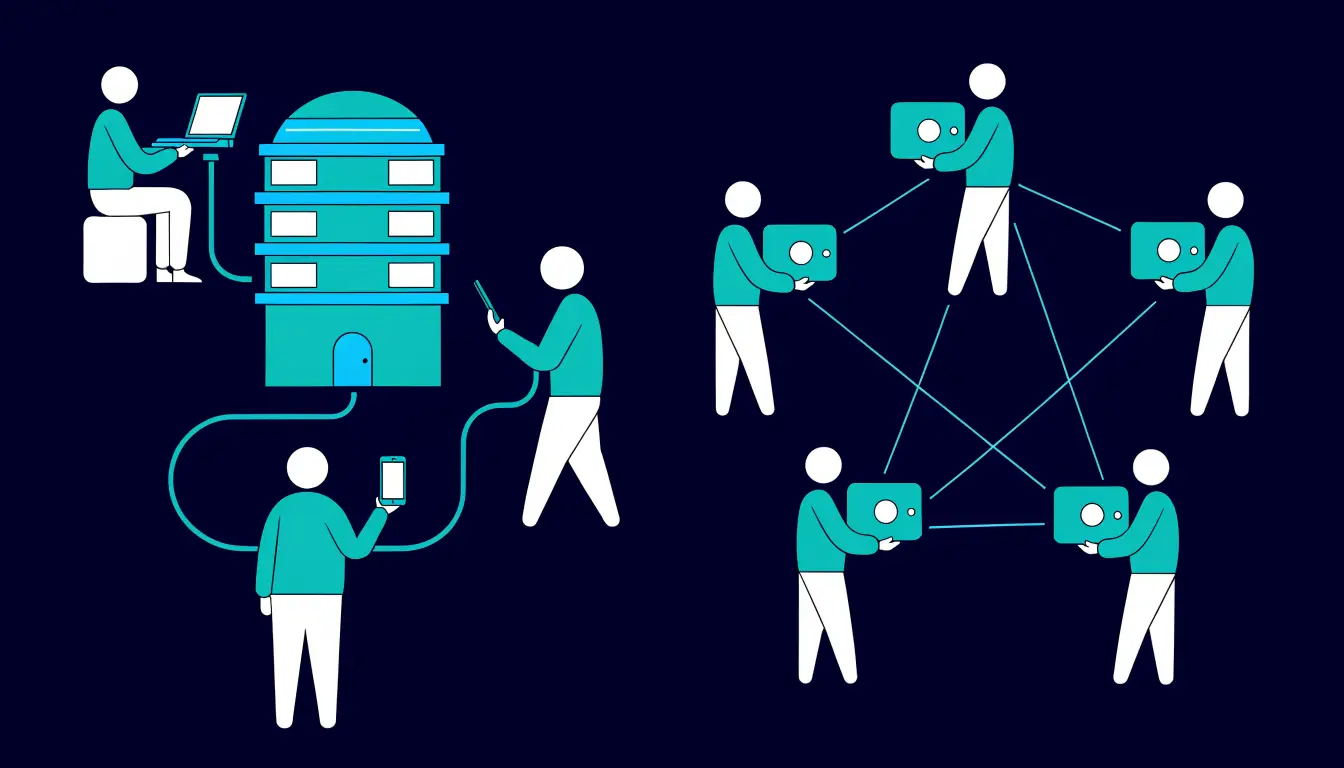
| Manual vs auto-sync | Manual entry is private but takes effort. Auto-sync via API keys is convenient but shares read access to your account data. |
| Privacy and security | Look at what data the tool collects, whether it needs an account, and whether it supports read-only keys. Less access is safer. |
| Alerts | Price and portfolio alerts save you from watching charts. Check they are free and flexible enough for your needs. |
| Cost | Many trackers have a free tier; advanced features (tax reports, more connections) may need a paid plan. Confirm current pricing on the official site. |
| Tax export | If you want help at tax time, check the tracker can export a report your country's rules accept — and treat it as a starting point, not final advice. |
No single tracker wins on every point. A tool that is great for auto-sync might collect more data; a private, manual tool might take more effort. Rank the criteria by what matters most to you, then choose.
Popular trackers, fairly compared
Here are a few well-known trackers described neutrally — by who each one tends to suit, not by a score. Features and pricing change often, so confirm the current details on each provider's official site before you decide.
- CoinMarketCap — a widely used price site with a built-in portfolio feature. It suits beginners who mainly want to track prices and enter holdings by hand, without connecting accounts.
- CoinGecko — another large price and data site with a portfolio tool. It appeals to people who want broad coin coverage and market data alongside a simple manual tracker.
- Delta — a dedicated portfolio app known for a clean, mobile-first design. It suits people who want a polished app experience and both manual and connected tracking in one place.
- CoinStats — a tracker that leans into connecting many exchanges and wallets for automatic updates. It suits users with holdings spread across several places who value auto-sync, provided they are comfortable granting read access.
This is not a ranking, and it is not the full list. Treat these as examples of different styles — price-site add-ons, dedicated apps, and connection-heavy trackers — and match the style to your own setup.
Privacy and security
A tracker can be very handy, but connecting your accounts means sharing information. Understanding what you are granting keeps you safe.
When a tracker syncs automatically, it usually uses an API key — a code that lets one app read data from your exchange account. The important rule is to grant the least access possible. Most exchanges let you create a read-only key that can view balances but cannot trade or withdraw. That is what a tracker needs.
Warning: only ever give a tracker a read-only API key — never one with trade or withdrawal permission. And no legitimate tracker needs your private keys or seed phrase; anyone who asks for them is trying to steal your crypto. To read a public wallet's balance, a tracker only needs the wallet's public address. Learn the wider dangers in our guide to how to protect crypto from hackers.
If privacy matters most to you, a manual tracker — where you type in holdings and connect nothing — gives you the total view with no account access at all. It is more effort, but it shares the least.
Tips and common mistakes
Helpful tips
- Start with a free tier. Most trackers offer one. Test the basics before paying for advanced features you may not use.
- Use read-only API keys. If you connect an exchange, create a key that can only view balances — never trade or withdraw.
- Set a couple of alerts. Price alerts save you from checking prices constantly and help you react calmly, not on impulse.
- Keep your own records too. Note what you bought and when, so profit, loss, and tax figures make sense even if a tracker misses a transaction.
Common mistakes to avoid
- Granting trade or withdrawal access when read-only would do. Extra access is extra risk for no benefit.
- Sharing a seed phrase or private key with a tracker. No real tracker needs it — this is a classic theft trick.
- Trusting tax exports blindly. Reports can miss transfers or fees. Check the figures and confirm your local rules.
- Reacting to every price swing. A tracker updating in real time can make normal volatility feel urgent. It usually is not.
Frequently asked questions
What is a crypto portfolio tracker?
It is a tool, usually an app or website, that gathers your crypto from different exchanges and wallets and shows the combined value in one place. It saves you from checking each account by hand.
Are portfolio trackers safe?
They can be, if you are careful about access. A manual tracker connects nothing and is very low risk. If you auto-sync, use a read-only API key and choose a reputable tracker so you share as little as possible.
Do trackers need my private keys?
No. A legitimate tracker never needs your private keys or seed phrase. To read a wallet's balance it only needs the public address; to read an exchange it only needs a read-only API key. Anyone asking for keys or a seed phrase is trying to steal your crypto.
Which is best for beginners?
There is no single best one. Beginners often start with a simple manual tracker, such as the portfolio feature inside a price site, because it needs no account connections. As your holdings grow, you can move to a tool that fits your exchanges and habits.
Can trackers do my taxes?
Some can total your gains and losses and export a report, which helps at tax time. But accuracy varies, reports can miss transfers or fees, and rules differ by country. Treat any export as a starting point, not final advice, and confirm your local requirements.
Summary
A portfolio tracker puts all your crypto on one screen: total value, how it is split across coins, and whether you are up or down. There is no single best tracker — the right one depends on the exchanges you use, whether you want manual or automatic updates, and how much privacy you want. Whatever you pick, share the least access you can: use read-only API keys and never hand over your private keys or seed phrase.
Next step: want your tracker to tell you when a coin moves? Follow our guide on how to set up crypto price alerts.